The panel
The first thing you see after picking your place. It recaps the section you just finished, says who was in it and lists what it left unanswered.
Reading guides
Tell the guide which chapter you're on. It shows the characters, places and story up to there, and leaves the pages ahead alone. It opens in your browser, next to whatever copy of the book you have.
Chapter 11, in short
The creature remembers his first days: the forest near Ingolstadt, finding fire and food, being driven out of a village, and hiding in a hovel beside a cottage.
Still open
Chapters 12 to 24 stay hidden until you move forward.
01 Open now
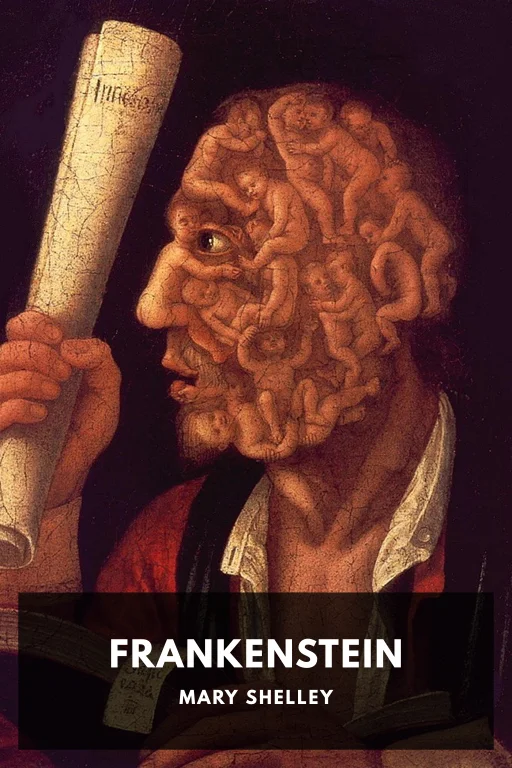
Reading guide
4 letters · 24 chapters · 23 characters · 46 places
02 Using a guide
Open the guide and choose the letter or chapter you're reading right now. You don't need to have finished it.
The guide covers everything up to the last section you finished. The one you're in stays out, so looking up a name can't spoil the page in front of you.
When you finish a section, move the picker forward. Your browser remembers your place, and so does the link if you bookmark it. When you reach the end of the book, mark it finished to open everything.
03 Inside a guide
The first thing you see after picking your place. It recaps the section you just finished, says who was in it and lists what it left unanswered.
A profile for everyone you've met and every place the story has been, written as of your chapter. Search only finds what you've already read about.
The questions the story has raised so far. An answer shows up only once you've read the chapter that gives it.
How the tension rises and falls up to your chapter, with a short recap of each chapter you've read.
Each fact names the chapter it comes from, so you can check it against your book. If something looks wrong, you can report it from the guide.
A guide is a web page, so it works on your phone too. It's free, and you don't sign up or upload a book.
04 Guide or app
Both follow the same rule: nothing past your chapter. The difference is where you read and who keeps track of your place.
Read a paperback, a library copy or another app, and keep the guide open beside it. You tell it which chapter you're on.
See the guidesRead your own book file in the app with a matching Skin, and it follows along as you turn pages. Not every book with a guide has a Skin yet, so check the app's catalog first.
How the app works05 Where it comes from
We prepare each guide from the book's own text with AI help, then review it against that text. Every fact keeps a pointer to the chapter it came from, which is how the guide knows when to show it.
Frankenstein is in the public domain, and its guide isn't affiliated with any of the book's publishers. Guides can get things wrong. When you report a mistake, we fix it.
Reading guides